

noi
The shared expenses app for the people you live, travel and plan with
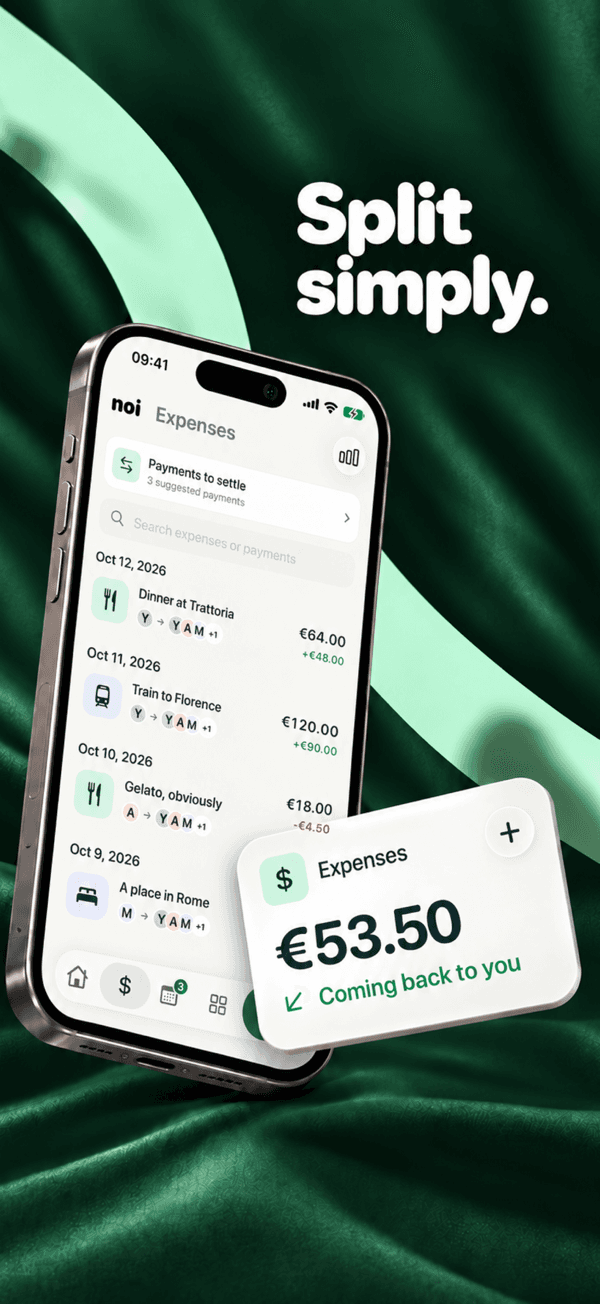
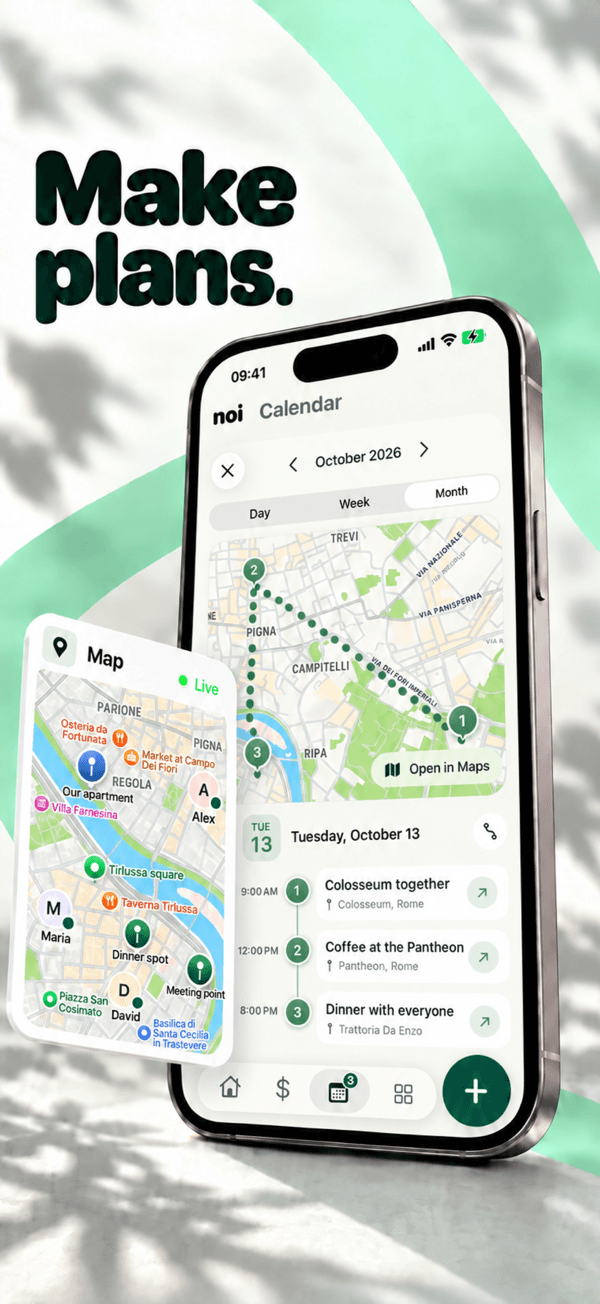
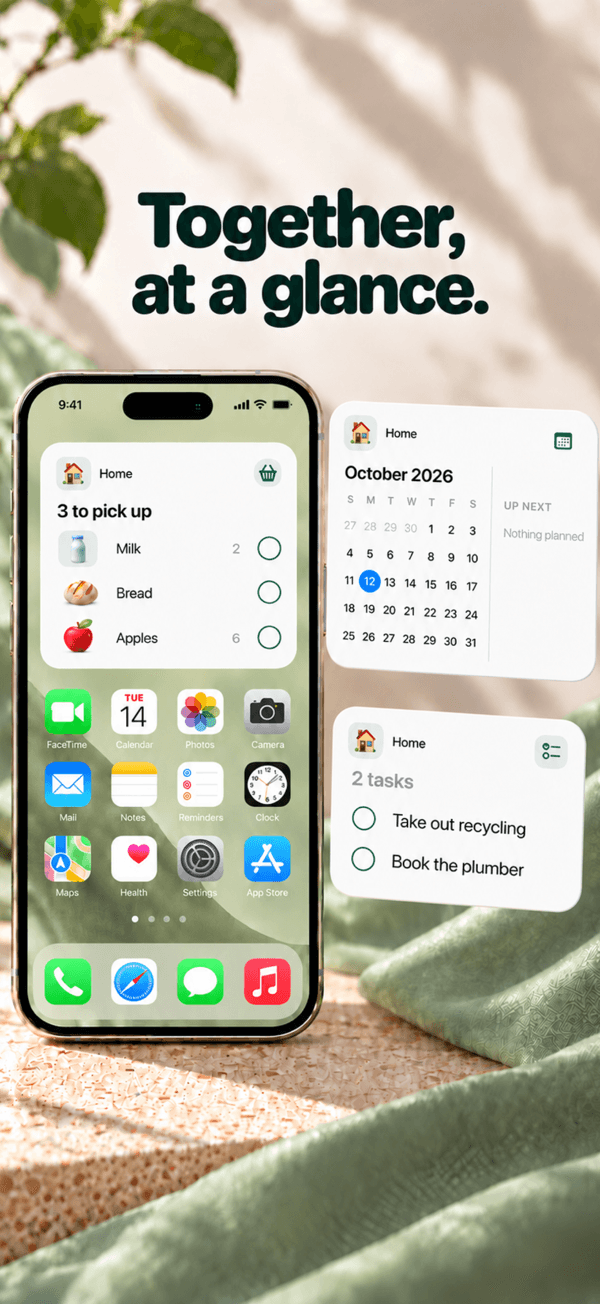
Split bills equally, by amount, percentage or shares, and see who owes what. Share one shopping list, one calendar and the documents your group needs. On iPhone, Android and the web.


01 · noi
How it works
- 01
Create a group and add your people
Pick a cover and add people by name. Nobody needs an account to be part of the money. Invite them with a link or a 12-character code, and they claim their name with their history.
- 02
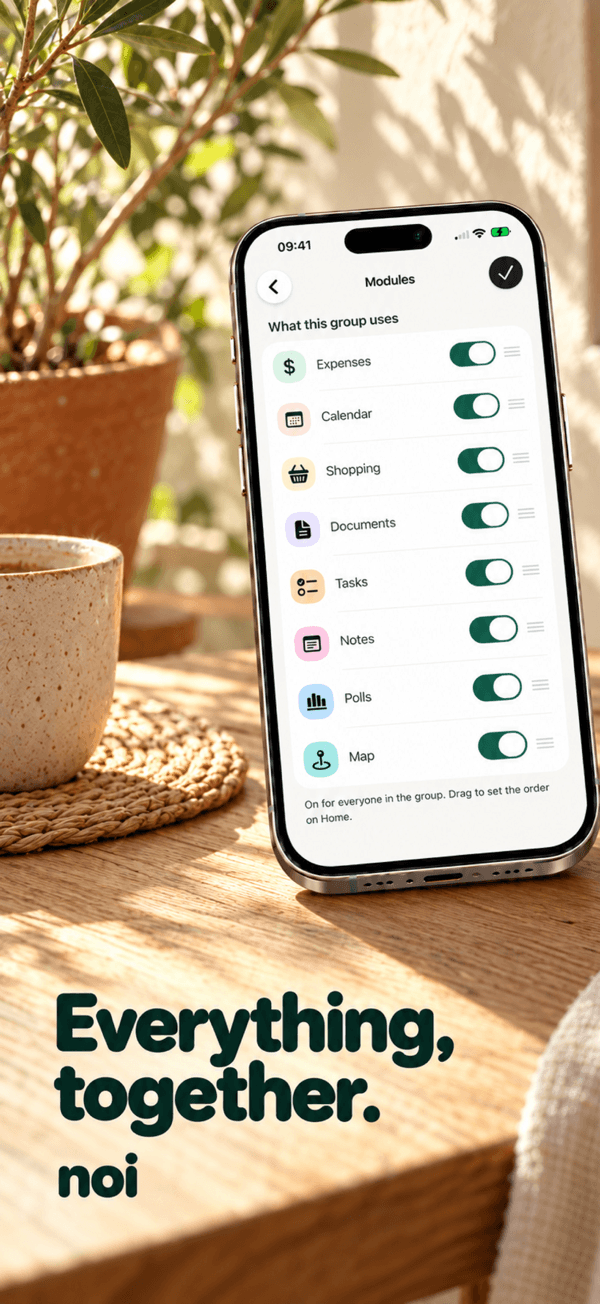
Turn on the modules you need
Each group chooses its tools: expenses, calendar, shopping, documents, tasks, notes, polls and map. A home with roommates and a weekend away can look completely different.
- 03
Add expenses and split them your way
Record who paid and split equally, by amount, by percentage or by shares, in any of 160+ currencies with the receipt attached. Balances update for everyone, and noi suggests the payments to settle up.
- 04
Plan, shop and keep the documents together
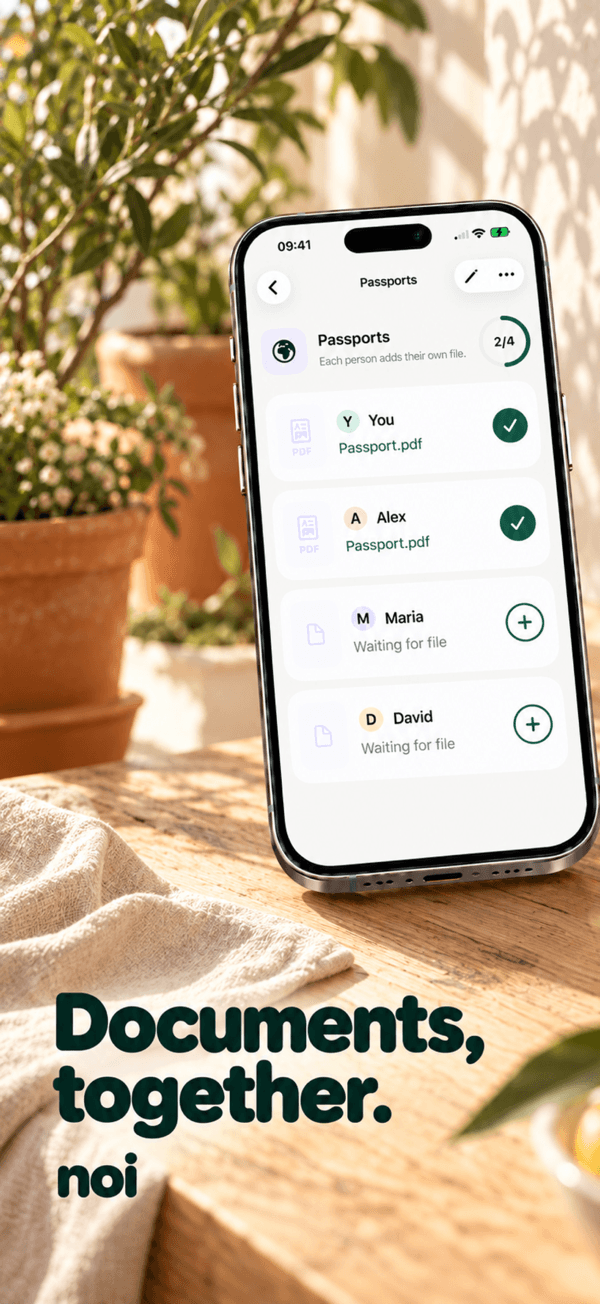
Share one shopping list that updates live, put plans on a shared calendar and map, and ask everyone for the same file, like a passport. Use it on your phone or at withnoi.app.
02 · noi
Guides
Practical answers to what noi users search for.
How to split bills with roommates without arguing about it
A fair way to split rent, utilities and groceries with roommates: agree the rules first, log every shared cost and settle up on a fixed day.
Read guideHow to split expenses as a couple: 50/50, by income or a mix
The common ways couples split shared costs (50/50, in proportion to income, or a shared budget) and how to keep track without keeping score.
Read guideHow to split travel costs with friends, even in another currency
Split trip costs with friends without a spreadsheet: log as you go, handle several payers and currencies, and settle up with as few transfers as possible.
Read guideHow to keep a shared grocery list your whole household actually uses
Make a shared grocery list work for a couple, family or flat: one list, add things the moment they run out, and check items off live in the shop.
Read guide03 · noi
Frequently asked questions
Is noi free?
Yes. Groups, expenses, calendar, shopping, documents, tasks, notes, polls and maps are free. noi Pro is an optional subscription with extras for people who want more. There are no ads.
Does everyone in the group need an account?
No. You can add people by name and track money for them right away. When they join with the invitation link or code, they claim their name and keep their history.
How can I split an expense?
Equally, by exact amount, by percentage or by shares. An expense can have several payers, and noi keeps every amount in whole cents so the balances add up. Learn more
Can I split expenses in different currencies?
Yes. Add an expense in any of 160+ currencies. noi fetches the exchange rate for that day, or you can enter your own, and saves it with the expense so balances never drift. Learn more
Is there a shared shopping list?
Yes. Each group can have a shared shopping list with product icons and quantities. When someone checks an item off, it disappears for everyone live. Learn more
Can I use noi on the web?
Yes. Sign in at withnoi.app with the same account you use in the iPhone or Android app. Every module works in the browser and everything stays in sync.
How do I join a group?
Open the invitation link or enter the 12-character code in Join a group. Choose your name, confirm, and you are in.
Who can see my documents?
Only members of that group. You can also hide each of your own files from specific people, and mark documents as sensitive so they stay blurred until you tap Show.

Get noi
Shared plans, expenses and everyday life.