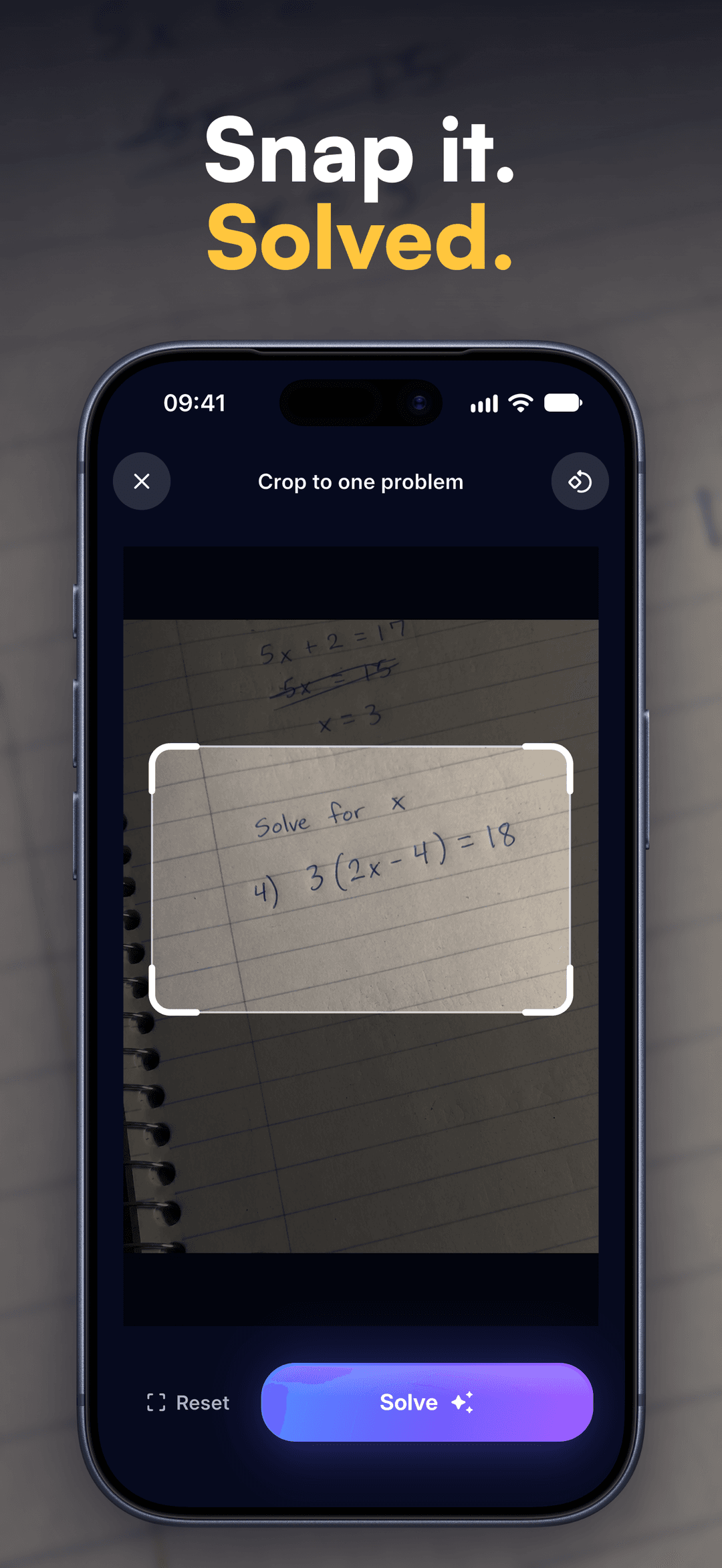
How to solve math problems by taking a picture
Typing algebra into a calculator is slow and error-prone: a fraction inside a square root inside an exponent is painful to transcribe. Scanning the problem with your camera skips transcription entirely.
Frame one problem at a time
Fill the frame with the single problem you want solved. Cropping tightly avoids the solver grabbing neighbouring exercises or page numbers.
Shoot flat and well-lit
Skewed angles and shadows are the main cause of misread symbols. Lay the page flat, shoot from directly above, and avoid covering the problem with your shadow.
Check the recognised problem before trusting the answer
Good solvers show you what they read before solving. A misread exponent produces a perfectly confident wrong answer: two seconds of checking prevents it.
If the problem is a quadratic equation, you can work it by hand next to the Quadratic formula calculator with steps
How SolvIQ does this for you
Take the photo in SolvIQ, or pick a photo or PDF you already have, and crop it to the one exercise. You get a step-by-step solution that ends in the final answer, not just the final number. If a step looks off, SolvIQ Pro lets you ask a follow-up question about it.