

SolvIQ
The math solver app that shows every step
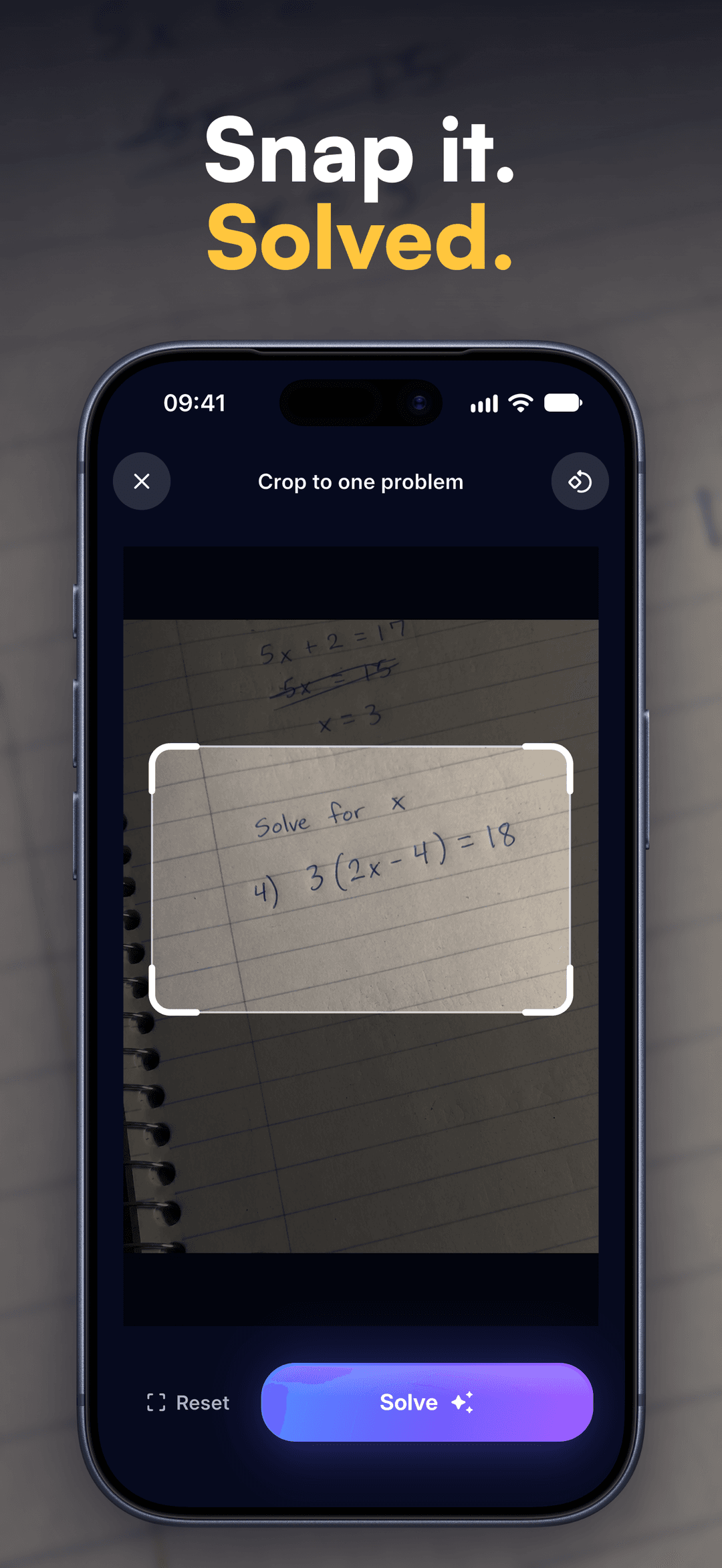
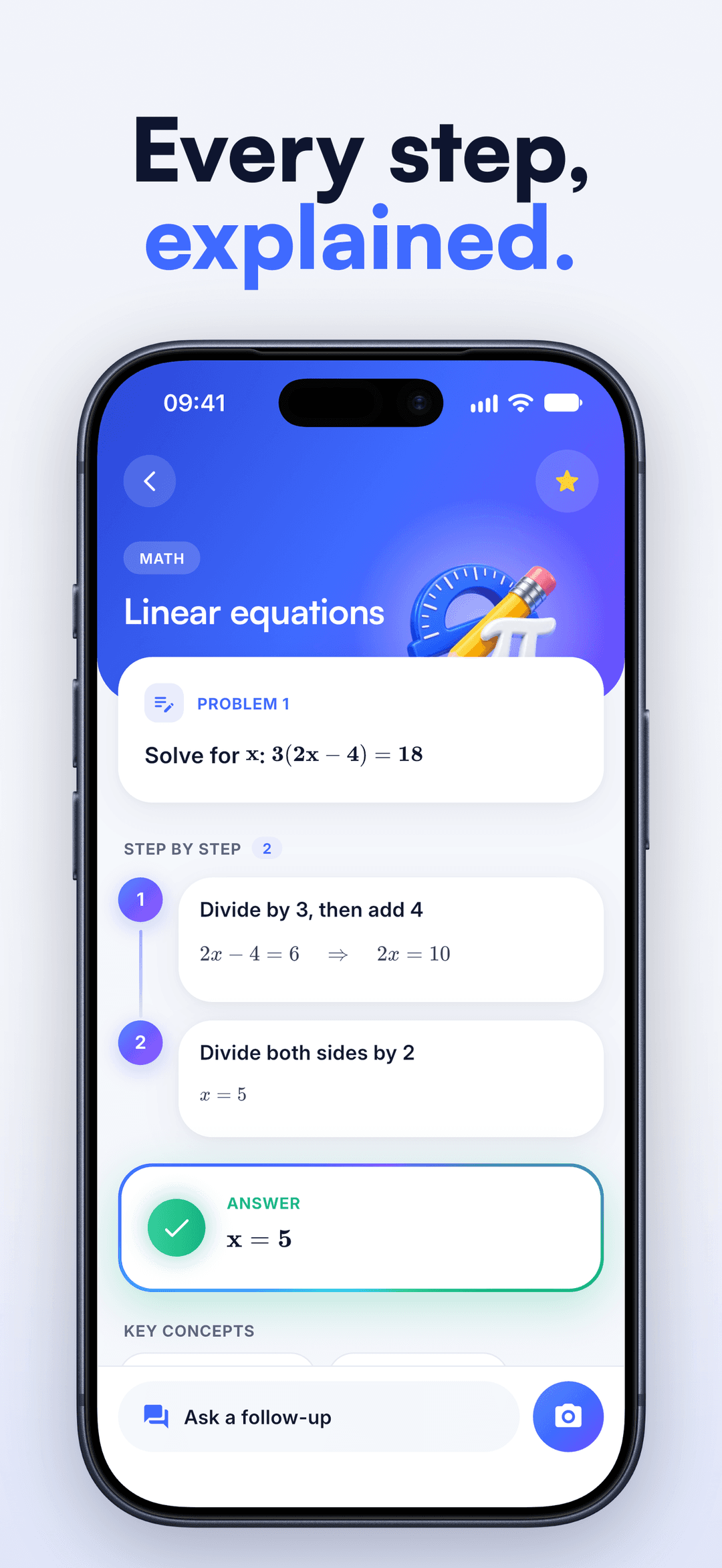
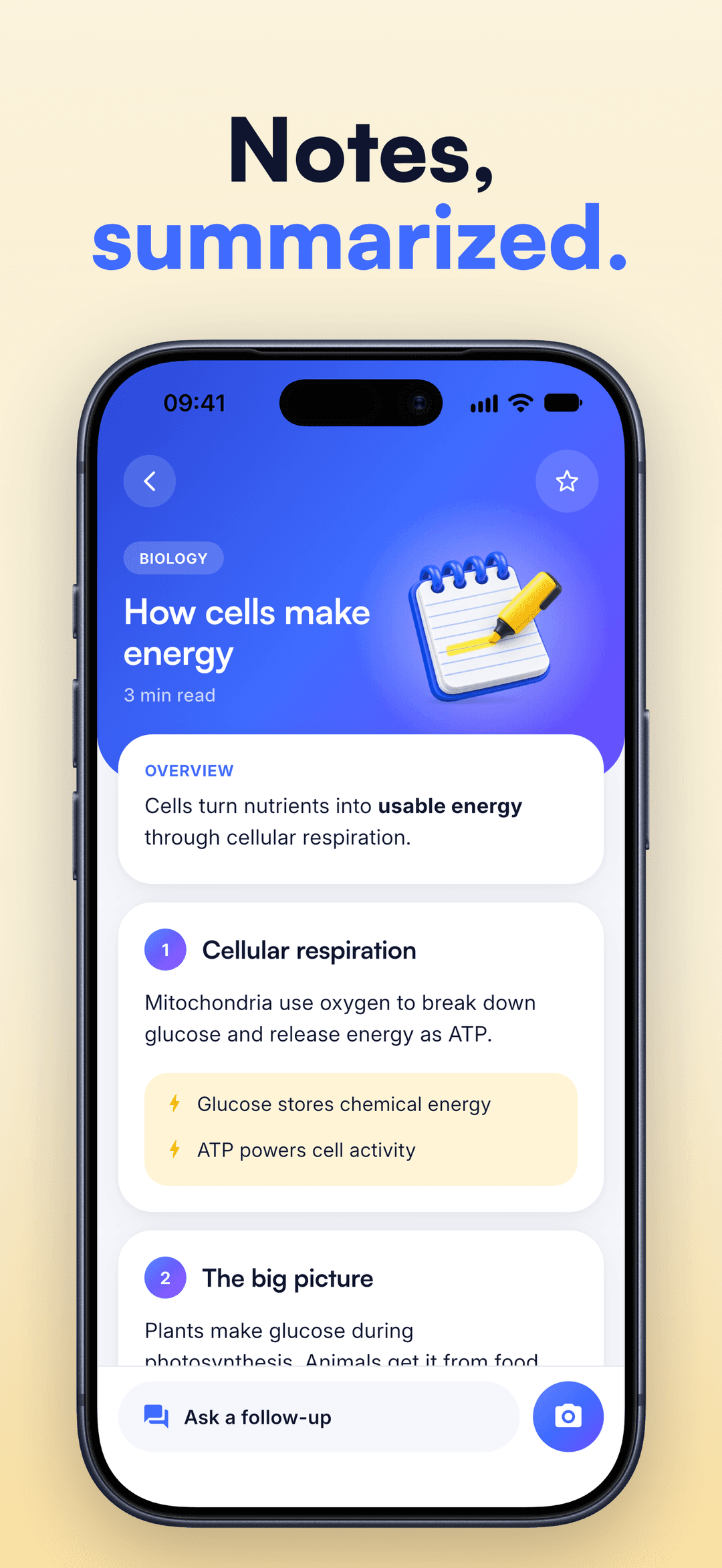
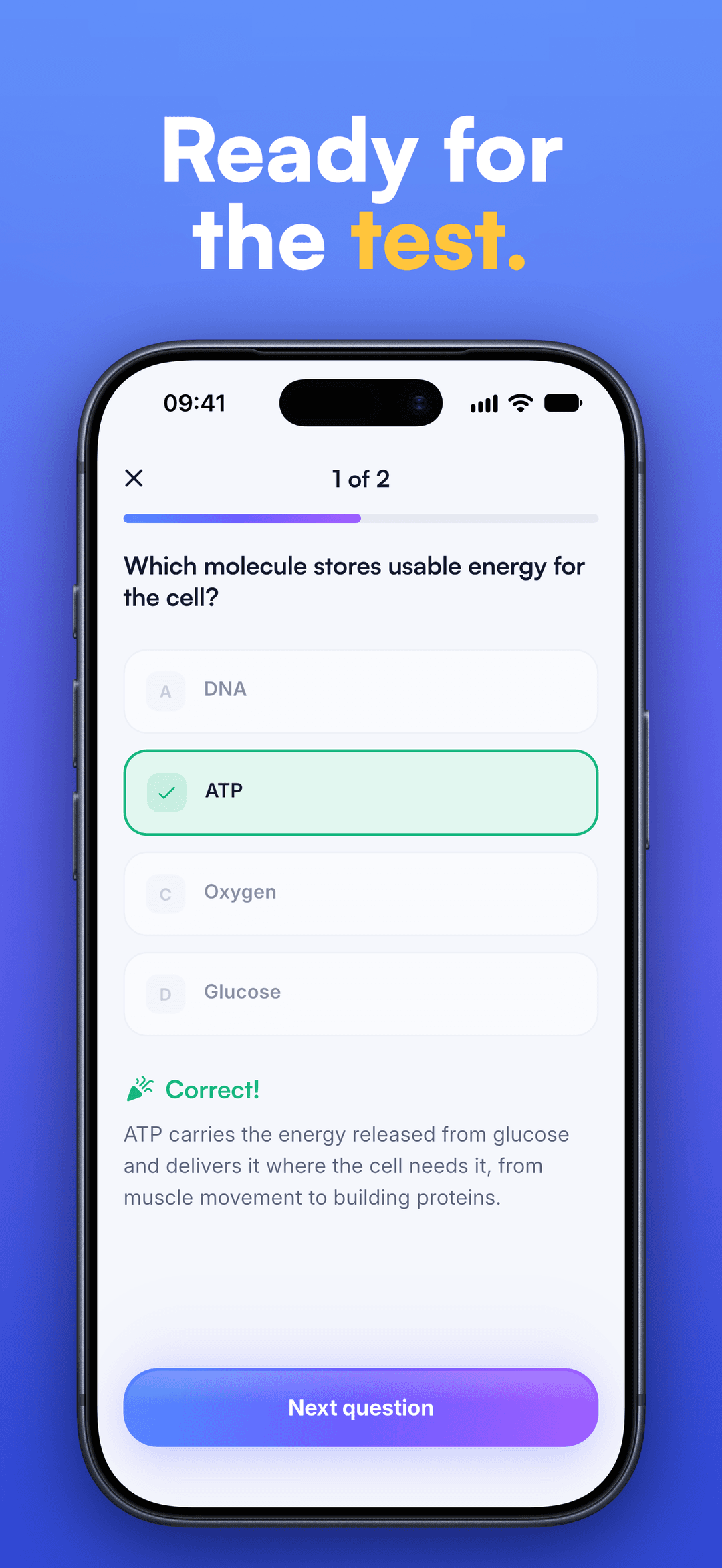
Take a photo of your homework, crop the exercise and get a step-by-step solution with the final answer. Ask about any step you don't follow, and turn your notes or PDFs into a summary and a practice quiz.
01 · SolvIQ
How it works
- 01
Snap or upload the exercise
Take a photo of the problem, or pick a photo or PDF you already have. Crop it to the one exercise you want solved.
- 02
Get the steps and the answer
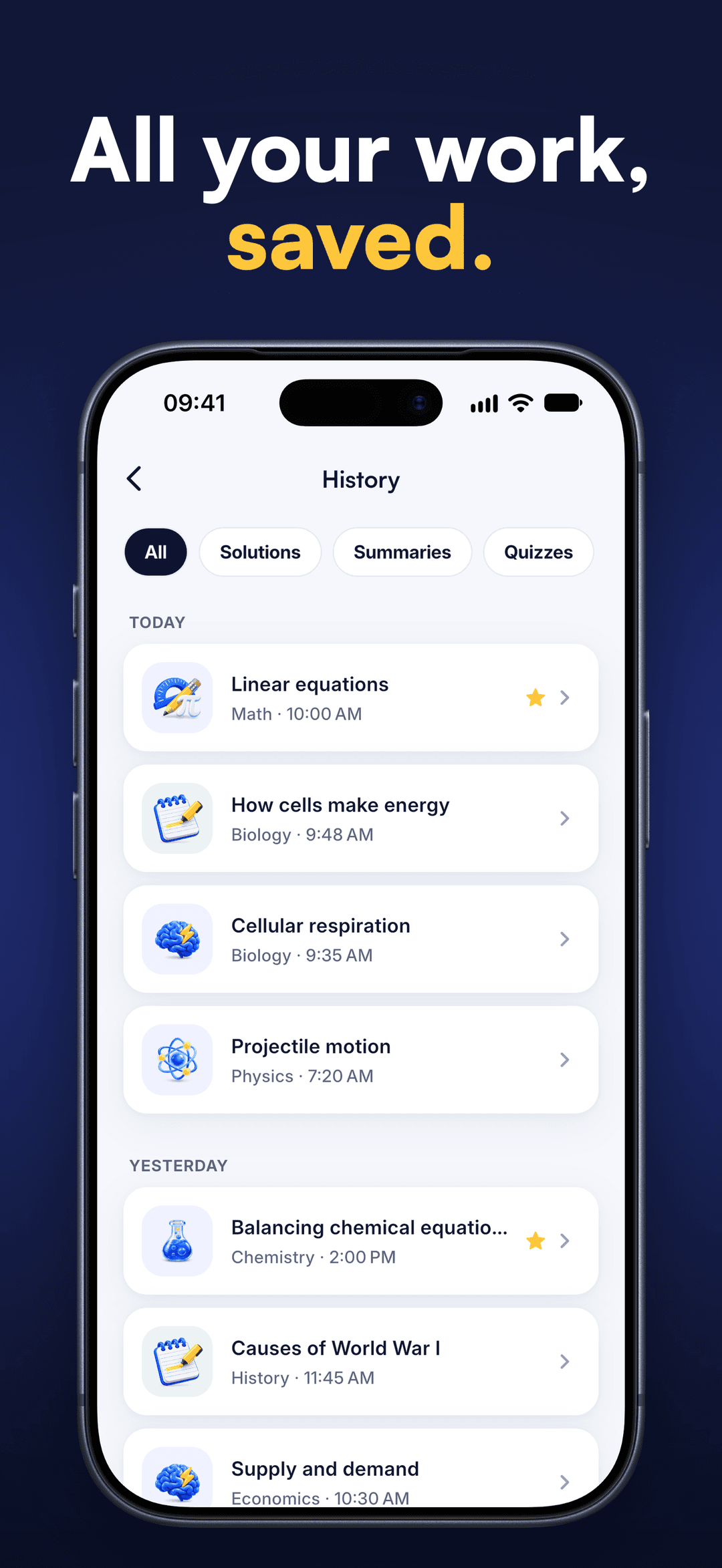
SolvIQ works through the problem step by step and ends with the final answer. Everything you solve stays in your history.
- 03
Ask about the step you don't get
Open a chat about that solution and ask a follow-up question, such as why a sign changed or where a number came from. Follow-up chat is part of SolvIQ Pro.
- 04
Quiz yourself on your own notes
Upload notes or a PDF of up to 18 MB and get a summary and a practice quiz built from that material. Summaries and quizzes are part of SolvIQ Pro.
02 · SolvIQ
Guides
Practical answers to what SolvIQ users search for.
Quadratic formula calculator with steps
Quadratic formula calculator with steps: enter a, b and c to see the discriminant, each substitution, the exact roots, the vertex and the factored form.
Read guideSystem of equations solver (2x2) with steps
System of equations solver for 2x2 systems, with steps by elimination, substitution or Cramer's rule. Spots parallel and identical lines and checks the answer.
Read guideHow to solve math problems by taking a picture
How photo math solvers work, how to get accurate scans, and how SolvIQ turns a picture into a step-by-step solution.
Read guideStep-by-step math solutions: how to actually learn from them
How to use step-by-step math solutions to learn instead of copy, and how SolvIQ structures every solution into followable steps.
Read guideHow to generate practice problems from your own notes
Turn class notes and worksheets into fresh practice questions, and how SolvIQ builds a summary and a practice quiz from your own notes or PDFs.
Read guideHow to prepare for a math exam in one week
A one-week math exam prep plan (diagnose, drill weak spots, simulate) and how SolvIQ compresses each phase.
Read guide03 · SolvIQ
Frequently asked questions
Can SolvIQ solve math problems from a photo?
Yes. Take a photo of the exercise, or pick a photo or PDF from your phone, crop it to the problem, and SolvIQ returns a step-by-step solution with the final answer. Learn more
Does SolvIQ show the steps or just the answer?
It shows the steps. Each solution is a sequence of steps that ends in the final answer, and with SolvIQ Pro you can ask a follow-up question about any of them in a chat. Learn more
Can SolvIQ solve quadratic equations step by step?
Yes. Photograph the equation and SolvIQ shows the steps to the roots. Our guide also has a free quadratic formula calculator that writes out the discriminant and each substitution. Learn more
Can SolvIQ solve systems of equations?
Yes. Photograph the system from your worksheet and SolvIQ solves it step by step. Our guide has a free 2x2 solver that shows elimination, substitution and Cramer's rule with your numbers. Learn more
Can SolvIQ make practice questions from my notes?
Yes, with SolvIQ Pro. Upload your notes or a PDF of up to 18 MB and SolvIQ writes a summary and a practice quiz from that material. Learn more
Is SolvIQ free?
You can download SolvIQ for free and get 2 full solutions. After that, free solves show the first step only, without the answer. Full solutions, follow-up chat, and summaries and quizzes come with SolvIQ Pro, a subscription.
What subjects does SolvIQ work with?
When you set up SolvIQ you choose from math, physics, chemistry, biology, computer science, economics, statistics, languages, history, geography and philosophy.
Is SolvIQ useful for exam preparation?
Yes. Quiz yourself on your notes to find weak topics, photograph the exercises you get wrong to see where your method broke, and ask follow-up questions until the step makes sense. Learn more
Is SolvIQ on Android?
Yes. SolvIQ is on Google Play for Android and on the App Store for iPhone, with iOS 15 or later.

Get SolvIQ
Smart problem solving app