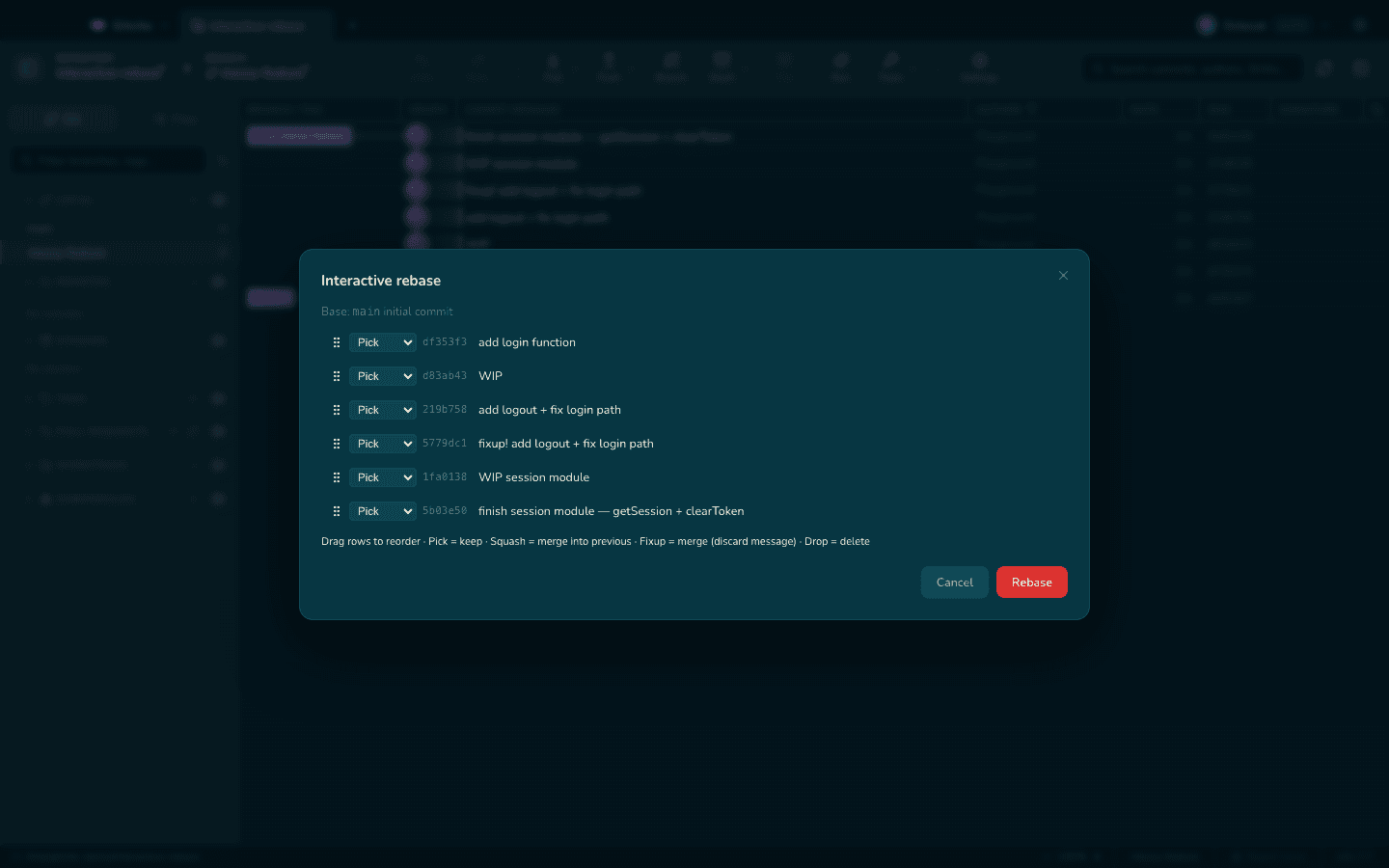
Interactive rebase with a GUI: reorder, squash and reword safely
Interactive rebase is Git's history editor — reorder commits, squash fixups, reword messages, drop mistakes. In the terminal it means editing a todo file blind; a GUI shows you the history you are rewriting while you rewrite it.
01Clean up before you share
Rebase local, unpushed commits into a story reviewers can follow: one logical change per commit, fixups squashed away, messages that explain why.
02Prefer drag-and-drop over todo files
git rebase -i hands you a text file of hashes and verbs. A visual rebase shows each commit's diff as you reorder or squash, which is where mistakes get caught before they happen.
03Know your escape hatch
Every rebase rewrites history, so know how to abort and how to recover from the reflog. A safety net turns rebase from scary to routine.
How Gitcito does this for you
Gitcito's interactive rebase is fully visual — reorder, squash, reword and drop with immediate feedback, resolve conflicts in the built-in resolver, and if anything goes sideways the reflog browser and WIP snapshots have your back.
Get Gitcito