

Hornlift
The gym workout log that remembers what you lifted last time
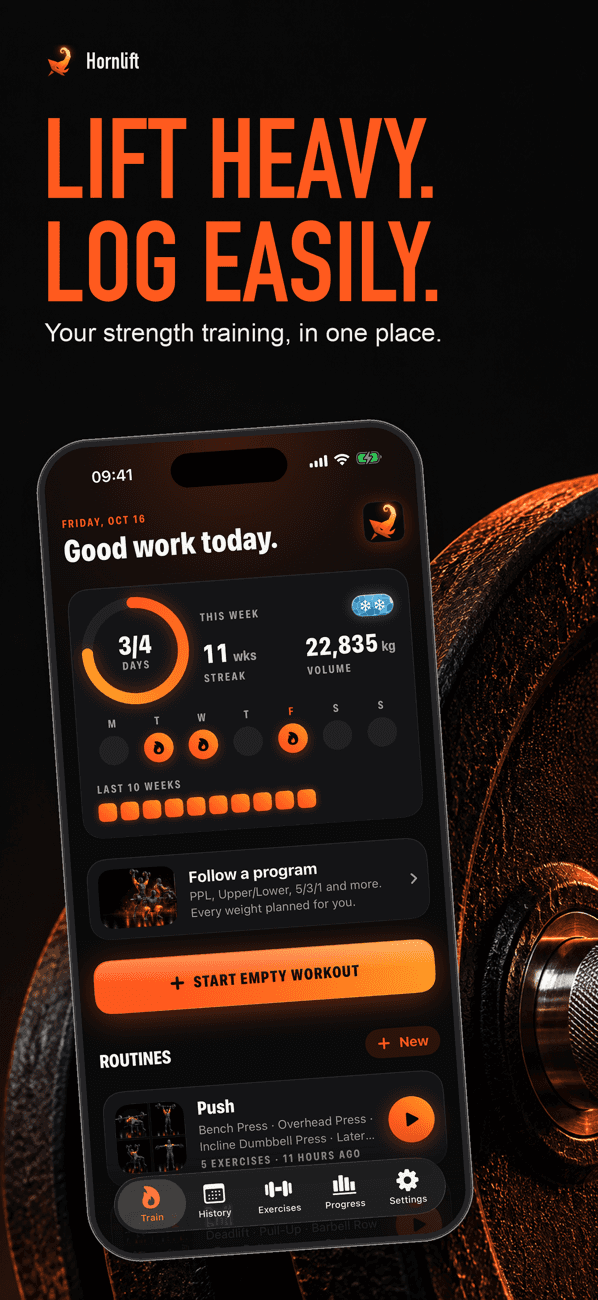
Log sets, reps and weight on iPhone or Apple Watch. Hornlift fills in your last session, times your rest and flags personal records as you set them. No account needed.
01 · Hornlift
How it works
- 01
Start from a routine or a past workout
Open an empty workout, start one of your saved routines or repeat a session you already did. Exercises can be browsed by muscle group and equipment.
- 02
Log each set in one tap
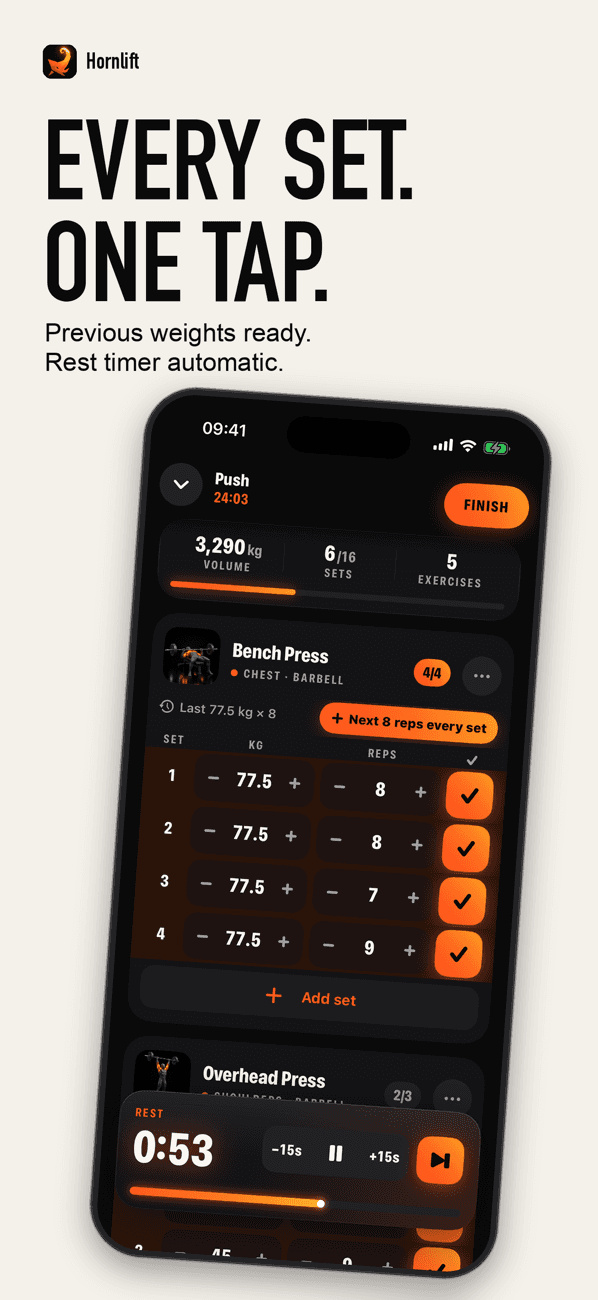
Weights and reps from your last session are already filled in, so a set you matched is one tap. The rest timer starts on its own when you finish a set.
- 03
Run the session from your wrist
The Apple Watch app controls the active workout. With your permission it reads heart rate and active energy and saves the strength workout to Apple Health.
- 04
See the numbers move
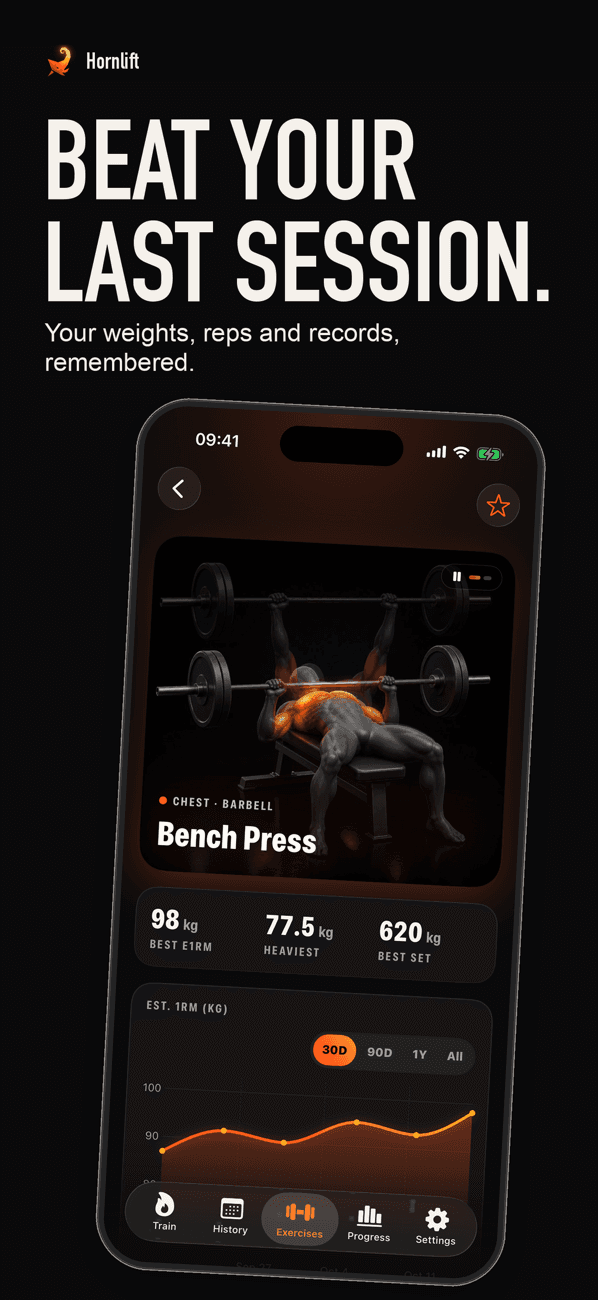
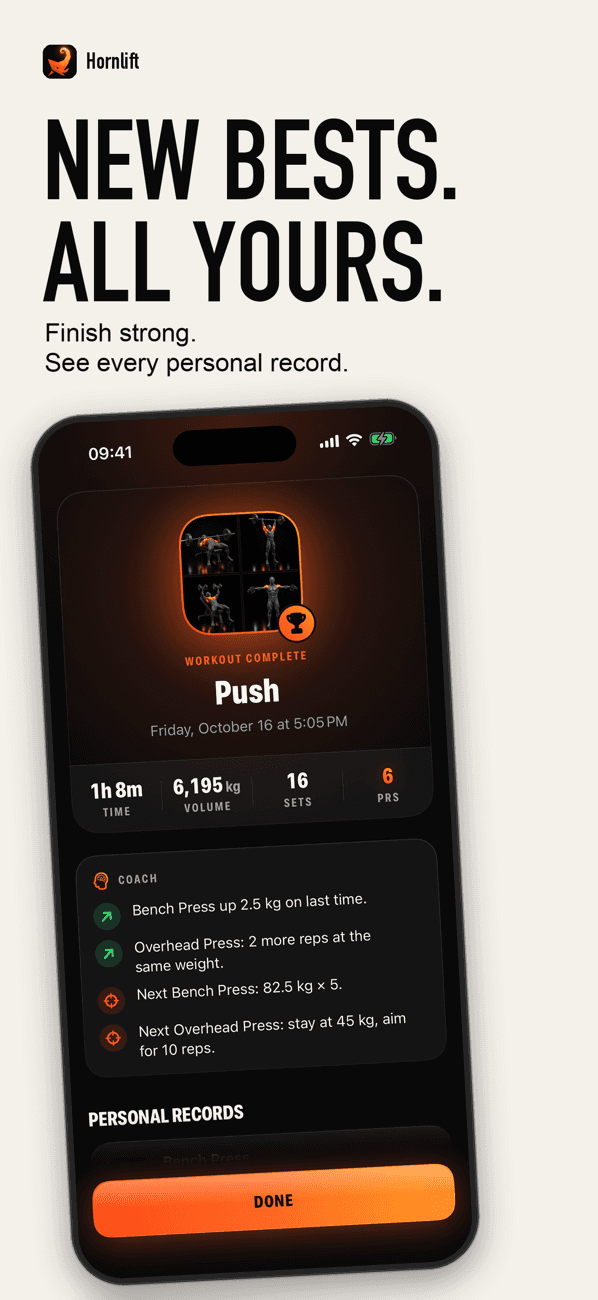
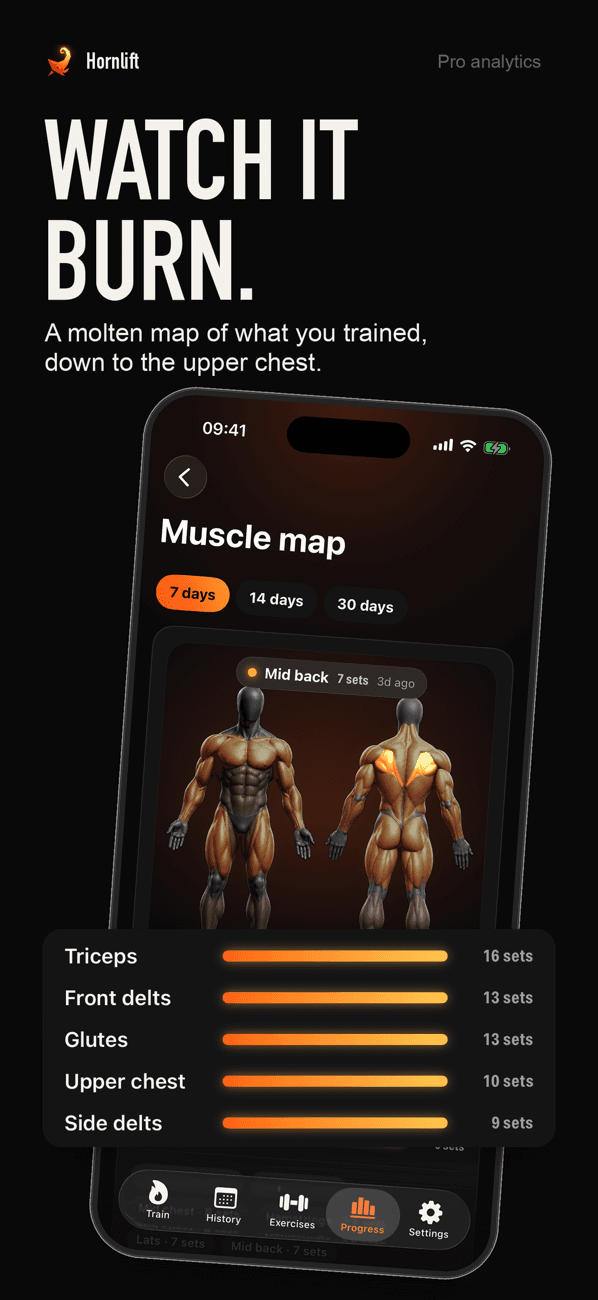
History and personal records are free: heaviest weight, best estimated 1RM and most reps, flagged as they happen. Hornlift Pro adds full-history charts and next-session weight suggestions.
02 · Hornlift
Guides
Practical answers to what Hornlift users search for.
One rep max calculator: estimate your 1RM without testing it
Free one rep max calculator using the Epley and Brzycki formulas, with working weights at 60% to 95% of your 1RM and what the research says about accuracy.
Read guideProgressive overload: when to add weight, and how much
How progressive overload works in practice: the ACSM rule for adding 2% to 10% load, double progression with rep ranges, and a calculator for your next session.
Read guidePush pull legs routine: a 6-day split with sets, reps and a deload
A full push pull legs routine: what goes on each day, sets and rep ranges, how to run it 3 or 6 days a week, when to deload and how to add weight.
Read guideHow long to rest between sets: 1, 2 or 3 minutes?
How long to rest between sets for strength and for muscle growth, what the research says about 1 versus 3 minutes, and when shorter rest makes sense.
Read guide03 · Hornlift
Frequently asked questions
Is Hornlift free?
Yes. The free version logs unlimited workouts, saves up to 3 routines and shows exercise charts for the last 30 days. Hornlift Pro is an optional subscription that adds unlimited routines, full-history charts, next-session suggestions, custom exercises, a plate calculator and CSV export.
Does Hornlift work on Apple Watch?
Yes. The Apple Watch app controls the active workout, and with your permission it reads heart rate and active energy and saves the strength workout to Apple Health.
Do I need an account?
No. Workouts, routines and custom exercises are stored on your device and sync through your private iCloud when it is available.
How does Hornlift estimate my one rep max?
It applies the Epley formula, weight × (1 + reps ÷ 30), to every set you log and keeps your best estimate per exercise as a personal record. Learn more
Does Hornlift tell me when to add weight?
Hornlift Pro suggests the next weight and rep target for each exercise from your previous session, using double progression: add reps until every set reaches the top of the range, then add weight. Learn more
Does Hornlift have a push pull legs program?
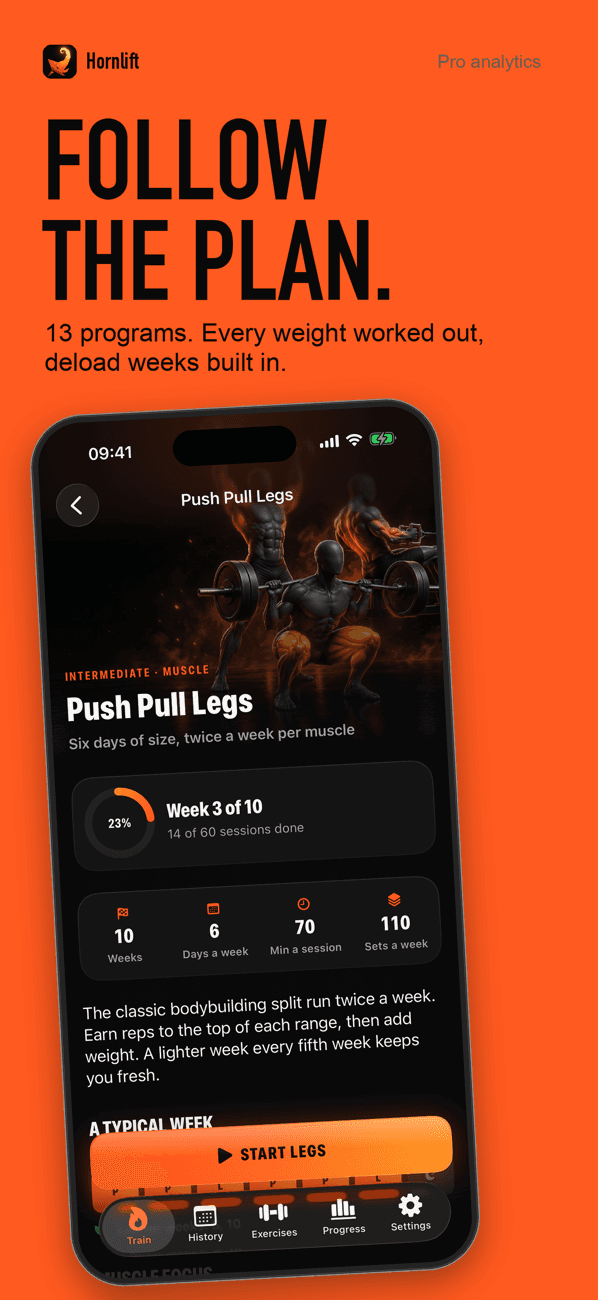
Yes. Hornlift Pro includes a 10-week Push Pull Legs program, 6 days a week, with lighter weeks in weeks 5 and 10. It is one of 13 built-in programs, two of which are free. Learn more
Does Hornlift have a rest timer?
Yes, and it is free. It starts on its own when you finish a set, defaults to 3 minutes, 90 seconds or 60 seconds depending on your goal, and taps your wrist on Apple Watch when the rest is over. Learn more
Can I train in pounds?
Yes. Hornlift works in kilograms or pounds.
Which iPhones does Hornlift support?
Hornlift needs iOS 18 or later.

Get Hornlift
Log workouts, build routines and track your lifting progress on iPhone and Apple Watch.